Privacy-first clipboard manager · macOS

Your clipboard,
kept private.

ClipGuard remembers everything you copy and encrypts all of it on your Mac — secrets locked behind Touch ID, nothing synced to the cloud, no account, ever.

macOS 13.5+ · Apple silicon & Intel · AES-256-GCM · No account
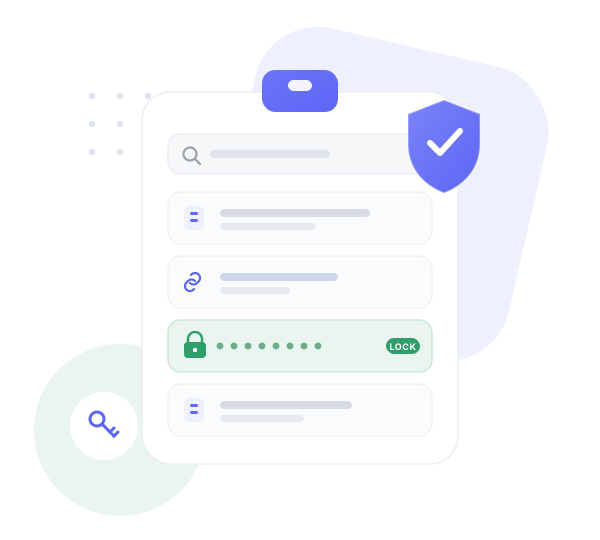
A clipboard of copied items with a protected, locked row, under a security shield
Encrypted on device No cloud sync No account Touch ID for secrets Strips tracking links
Why ClipGuard

Most clipboard managers keep your history in plain text.

ClipGuard treats your clipboard like what it really is — a stream of passwords, keys and addresses — and protects it accordingly.

01 Encrypted by default, local by design

Every item is sealed with AES-256-GCM, and the keys live in your Mac's Secure Enclave. No server, no sync, no account — your history is yours alone.

02 Secrets never sit exposed

API keys, tokens and card numbers are detected the moment you copy them, locked behind Touch ID, and can self-destruct on a timer.

03 Snippets that think

Fill-in prompts, cursor placement, live dates, counters and UUIDs expand as you paste — not just static text, and organized into folders.

04 A paste stack, not just a list

Queue several clips and paste them in order — fill a form or build a message without bouncing back and forth.

05 Privacy hygiene built in

Paste a link and the tracking junk is already gone — utm_*, fbclid and gclid stripped as you copy.

The history

Your clipboard, one keystroke away

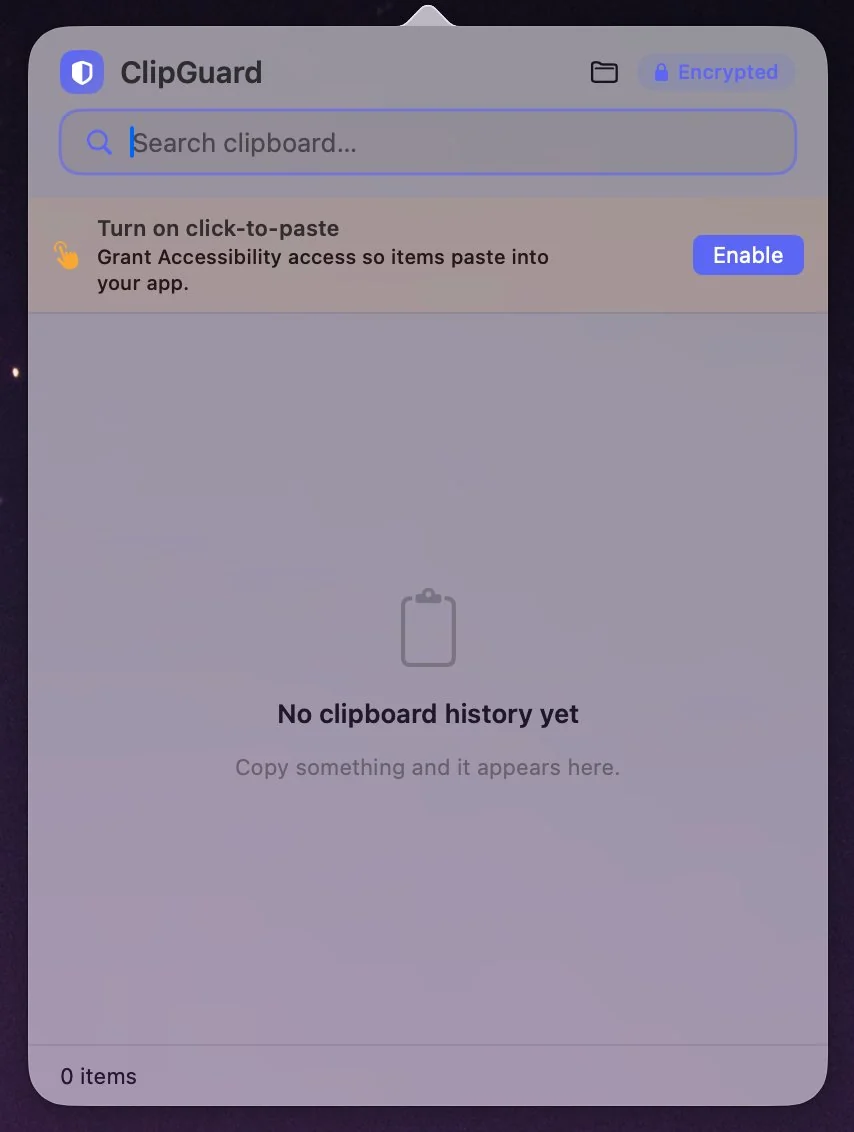
Hit your hotkey and your history appears at the cursor — searchable, encrypted, and clearly marked when something's protected.

  • Live search across everything you've copied
  • Click-to-paste straight into the app in front of you
  • An encrypted badge, so you always know it's sealed
ClipGuard history popover
Preferences

Yours to tune, down to the shortcut

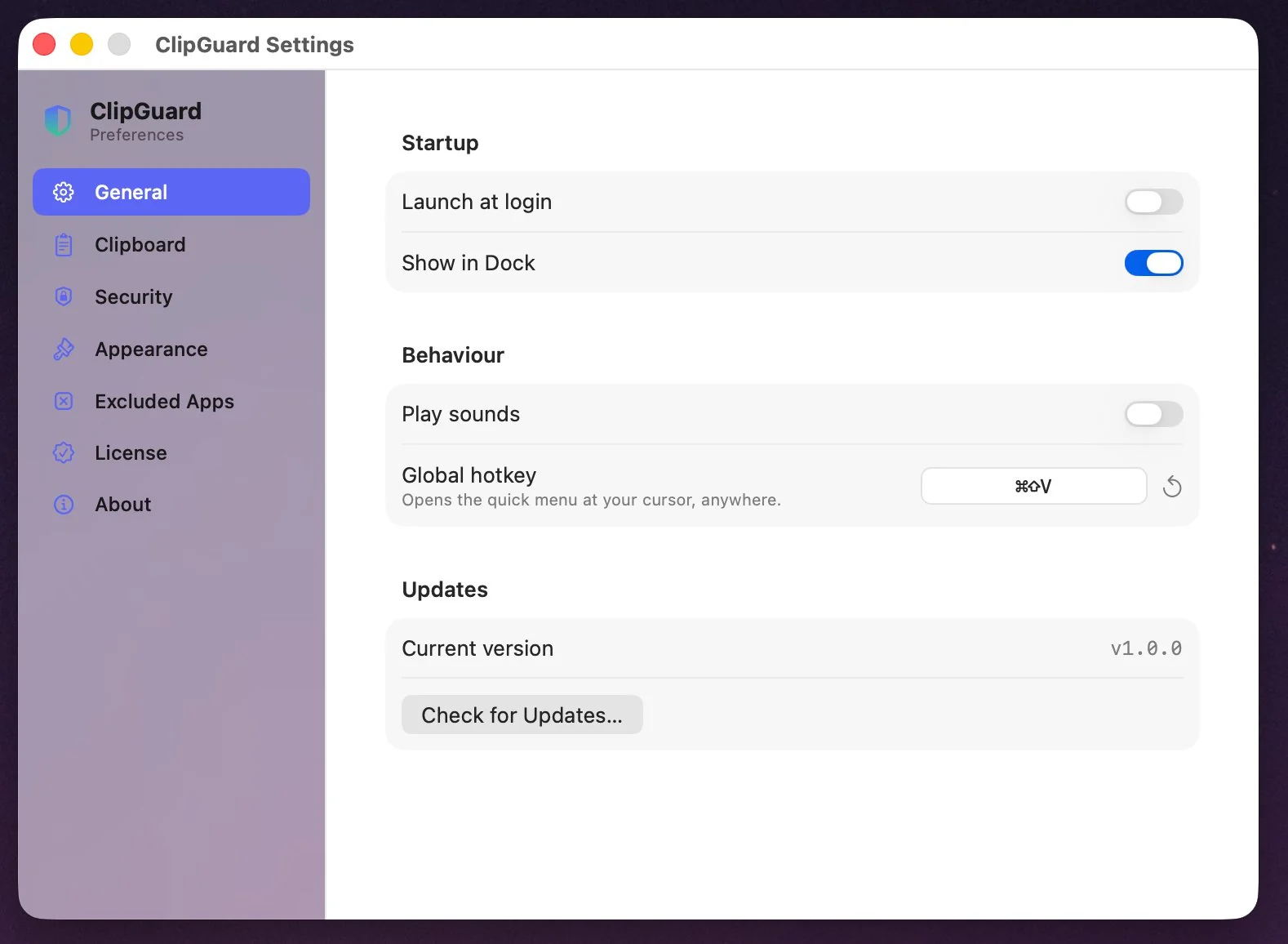
Set the global hotkey, choose how secrets are handled, exclude apps, and watch for updates — from a clean, native settings window.

  • Customizable global hotkey for the quick menu
  • Launch at login, with an optional Dock icon
  • One-click version checks for updates
ClipGuard settings window
Snippets

Reusable text that does the typing

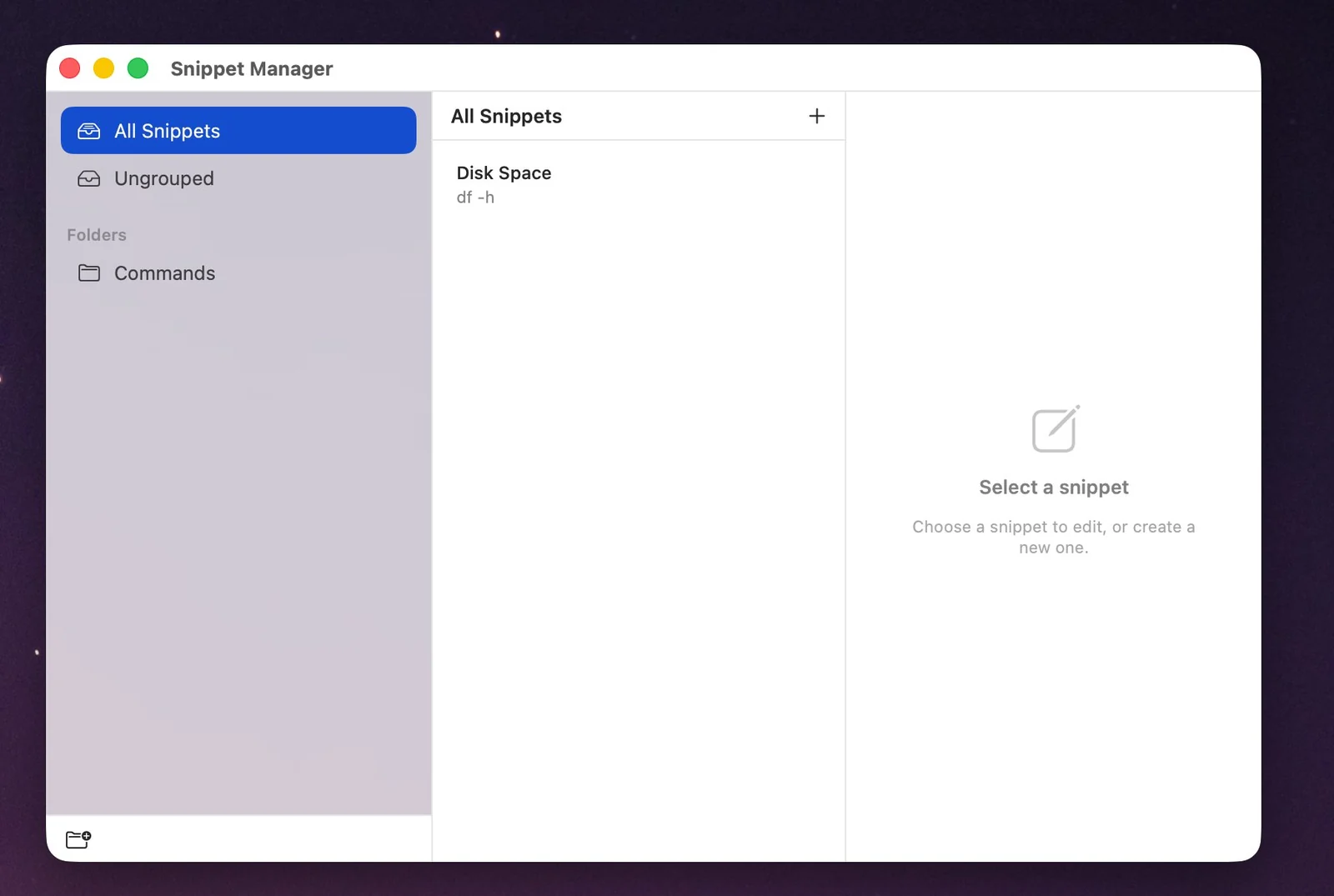
Keep commands, replies and boilerplate in folders, then expand them with smart placeholders so every paste lands exactly right.

  • Organize snippets into groups and folders
  • Fill-in prompts and cursor placement on paste
  • Live dates, counters and UUIDs built in
ClipGuard snippet manager
Everything it does

A complete clipboard, for people who care where their data goes.

Privacy & Security

End-to-end encryption
AES-256-GCM on every item before it touches disk.
Secure Enclave keys
Held on your Mac and never transmitted anywhere.
PIN & auto-lock
Lock the app, and let it lock itself when idle.
Secret detection
Keys, tokens and cards locked behind Touch ID.
Self-destructing items
Sensitive clips expire on a timer you set.
Excluded apps
Never capture from the apps you choose.
Tracking-link stripping
utm_, fbclid and gclid removed on copy.
Clear & panic
Wipe recent items, or everything, at once.

Productivity

Instant search
Find anything you've copied in seconds.
Quick-paste ⌘1–9
Recent items in a single keystroke.
Pins & favorites
Keep what you reuse most at the top.
Paste stack
Queue clips and paste them in order.
Snippets & folders
Reusable text and commands, organized.
Smart placeholders
Prompts, cursor, dates, counters, UUIDs.
Smart actions
Open links, email, change case, make a QR.
Clean capture
Strips raw HTML from web copies.

Native macOS

Menu-bar menu
Fast and keyboard-friendly, where you expect it.
Global hotkey
A quick menu at your cursor, anywhere.
Click-to-paste
Straight into the app you're using.
Launch at login
Ready when you are, Dock icon optional.
Built-in updates
Knows when a new version is available.
Light & fast
A focused Swift & SwiftUI app.
How your data is protected

Security isn't a setting. It's the foundation.

Encrypted at rest

Each clip and snippet is encrypted with AES-256-GCM. Even with the database in hand, the contents are unreadable without your key.

Keys in the Secure Enclave

Your key is generated and held in the Secure Enclave / Keychain — bound to your Mac and never transmitted.

Touch ID on secrets

Detected secrets stay masked and need Touch ID to reveal or paste — and can expire automatically when you're done.

Pricing

One licence. Your Mac. Total privacy.

Each licence covers one Mac. Buy once for life, or pay yearly — your choice.

Annual
$24.99 / year
1 Mac · renews yearly · cancel anytime
  • Every feature, no tiers or add-ons
  • Updates & support while active
  • Works offline — no account
Get Annual
Best value
Lifetime
$59.99 one-time
1 Mac · pay once · yours to keep
  • Every feature, forever
  • 365 days of updates included
  • Move your licence between Macs
Get Lifetime

Already own ClipGuard? Renew support & updates for $24.99 (365 days).