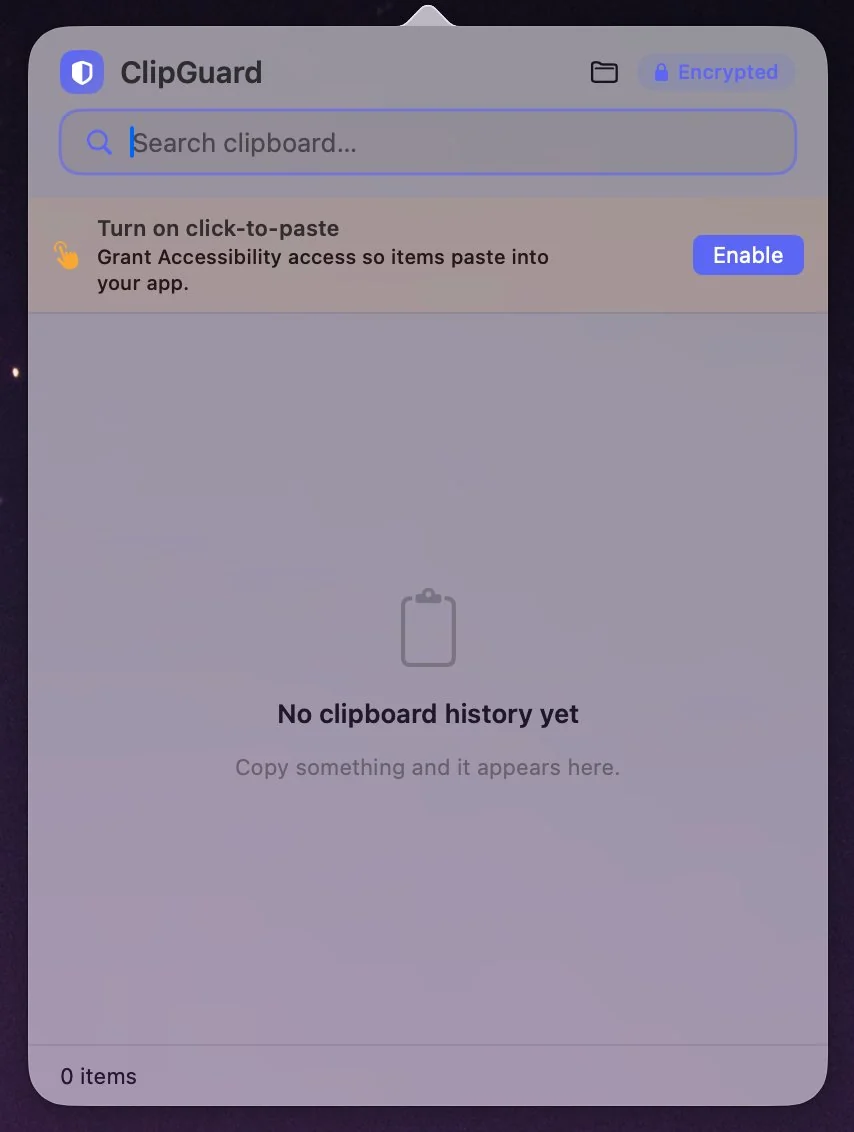
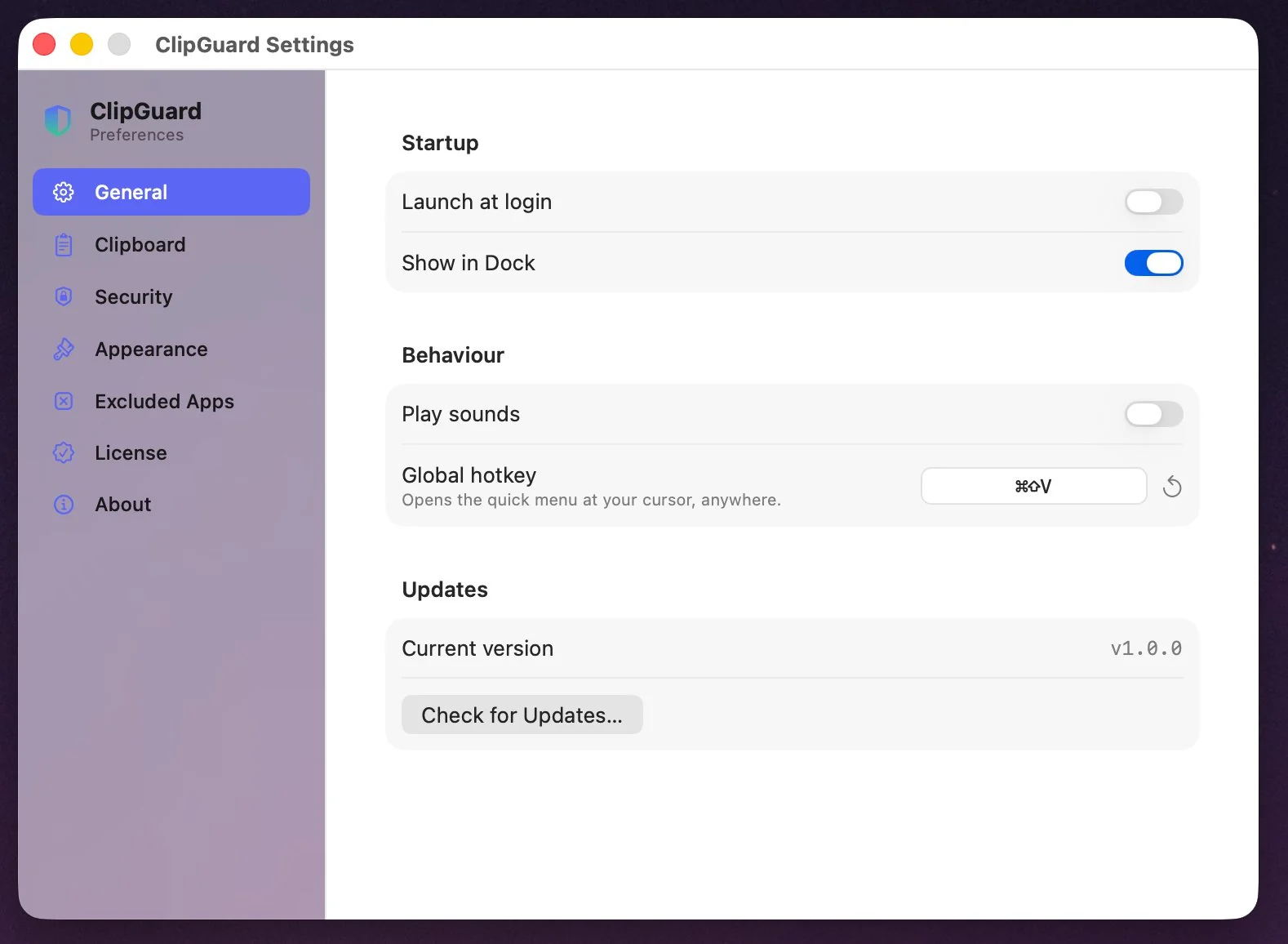
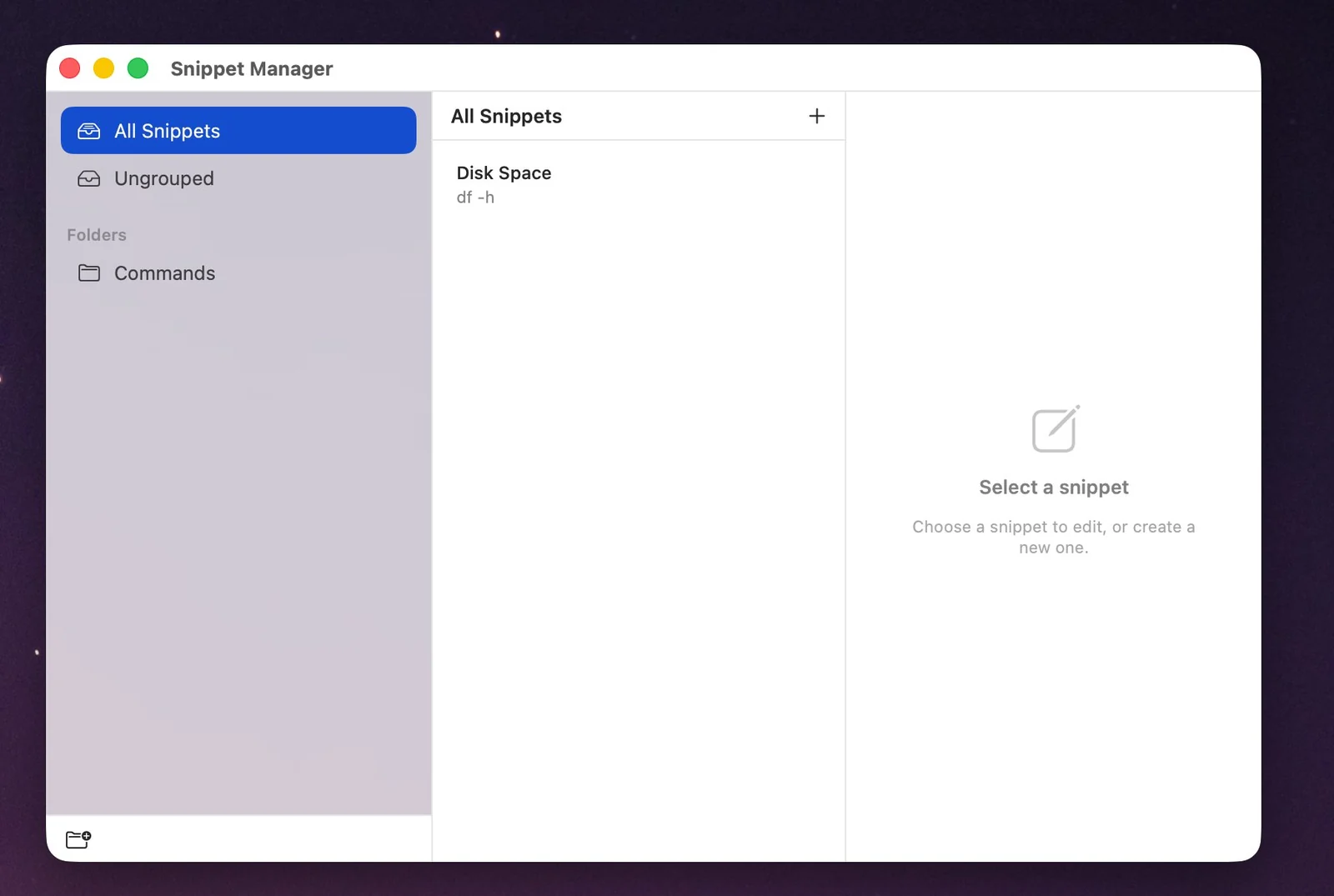
ClipGuard remembers what you copy and encrypts all of it on your Mac — nothing synced to the cloud, no account, ever. Free to use, with Pro when you want the power tools.
Version 1.2.0 · Free forever · 14-day Pro trial · macOS 13.5 to 27 · Apple silicon & Intel
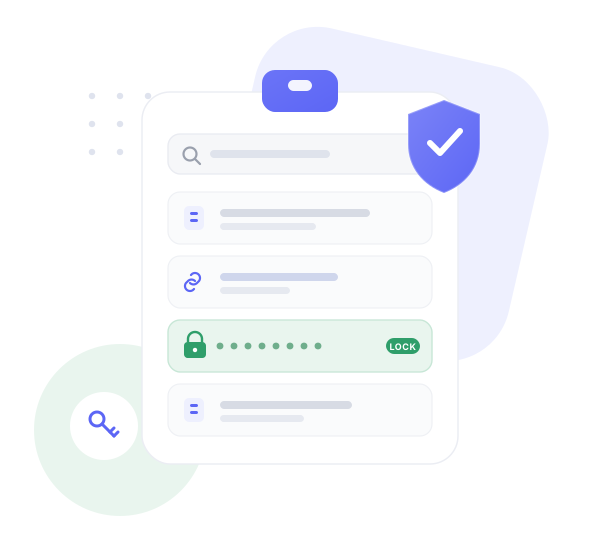
ClipGuard treats your clipboard like what it really is — a stream of passwords, keys and addresses — and protects it accordingly.
Every item is sealed with AES-256-GCM, and the keys live in your Mac's Secure Enclave. No server, no sync, no account — your history is yours alone.
API keys, tokens and card numbers are detected the moment you copy them, locked behind Touch ID, and can self-destruct on a timer.
Fill-in prompts, cursor placement, live dates, counters and UUIDs expand as you paste — not just static text, and organized into folders.
Queue several clips and paste them in order — fill a form or build a message without bouncing back and forth.
Paste a link and the tracking junk is already gone — utm_*, fbclid and gclid stripped as you copy.
Hit your hotkey and your history appears at the cursor — searchable, encrypted, and clearly marked when something's protected.

Set the global hotkey, choose how secrets are handled, exclude apps, and watch for updates — from a clean, native settings window.

Keep commands, replies and boilerplate in folders, then expand them with smart placeholders so every paste lands exactly right.

Each clip and snippet is encrypted with AES-256-GCM. Even with the database in hand, the contents are unreadable without your key.
Your key is generated and held in the Secure Enclave / Keychain — bound to your Mac and never transmitted.
Detected secrets stay masked and need Touch ID to reveal or paste — and can expire automatically when you're done.
Every download starts with a 14-day Pro trial. After that, keep ClipGuard free forever, or unlock Pro for your Mac.
Already own ClipGuard? Renew support & updates for $24.99 (365 days).